
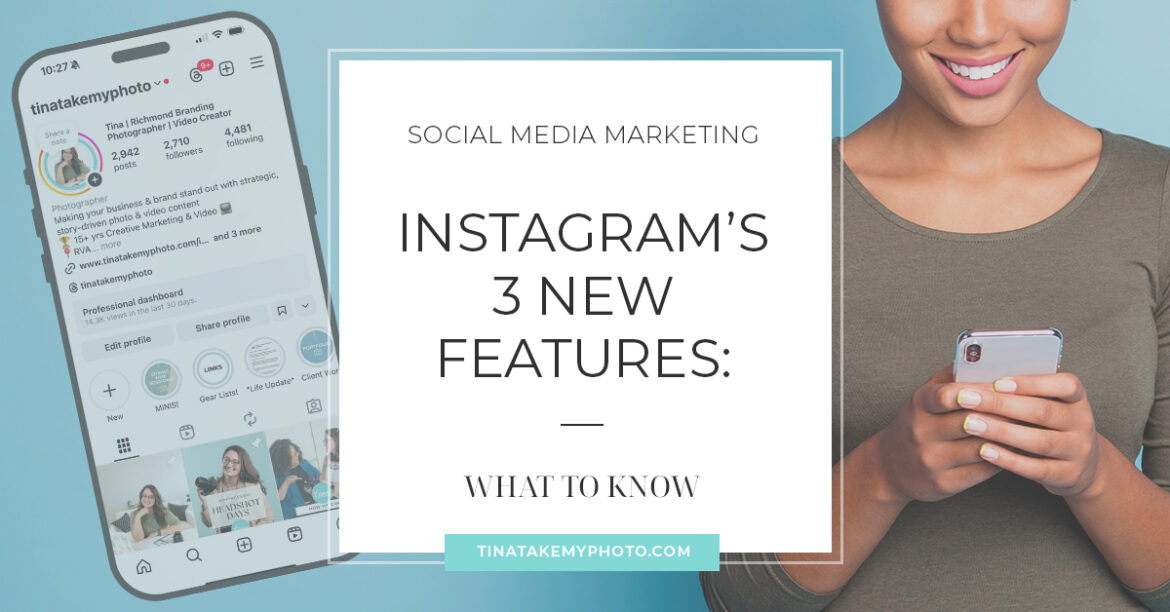
What Business Owners and Content Creators need to know for social media marketing:
Tips from a Branding Photographer in Richmond, Virginia
So what are Instagram’s August 2025 updated features?
Instagram released 3 new features to help you better connect with your friends and followers – Reposts, Friend Map and “Friends” Reels Tab.

Reposts:
This is definitely my favorite new feature so far!
What is it? Reposts is a way to share reels and posts from other people onto your feed, in a way that is more permanent than stories, which you know only last 24 hours. And the best part – it’s an entire new tab on your feed! Which means, you can create a curated feed of content not created by you.
How to use it: This is a great way to share niche content relevant to your brand, business or industry. You can use it to educate, entertain or supplement your own content.
You can use it to simply share content you love, boost your friend’s pages, businesses you love, or share more of what matters to you with your audience.
Overall, there is lots of strategy you can use here to better connect with your audience, which if you are here on my page, you are interested in doing!
Friend Map:
This one I initially don’t love the idea of, but need to explore a bit more.
What is it? You can opt into sharing your location with friends/followers, or a specific list of people of your choosing. It’s off by default – so don’t worry if this scares you!
How to use it: If you go into the map, whether or not you are sharing your own location, you can explore the map to discover new businesses or creators near you. I tend to tag my location while on a photo shoot, especially if I working with a business that I want to give some recognition, a coffee shop I’m loving, or a location I want people to explore.
“Friends Tab”:
I’ve updated to the newest version of the app, but i still do not have this feature, so I cannot speak too much on it right now (will update f/when I do!) I thought it was a “creator” account issue, but I heard that’s not the case. Either way…
What is it? At the top of the Reels page, there is a new Friends tab! This showcases content your friends have posted, liked or commented on or interacted with. I’ve herd for some people, this gives them pause because they don’t necessarily want people to see things they have commented on, so maybe think twice before typing anything you wouldn’t want people you care about to read haha
How to use it: If you want to view random reels, stay on the original tab, if you want to switch to see what your friends are up to, tap the Friends button. So if you are sick of seeing random content from people you don’t know, you’ll enjoy this feature.
Takeaways:
All of this shows Instagram leaning more into being able to connect with and view your friend’s content more, as it was when the app first started.
As a business, brand or content creator, you can lean into these new tools to connect even deeper with your audience, and find new ways to reach them.
And as with all new social media features, use what you like, and don’t worry with what doesn’t work for you. It can feel like a lot of pressure to always be on top of things, and it is important – if you have the time and motivation to do so. Bottom line – as long as you are creating the content that makes you feel good, and using the app in ways that works for you, you’re doing great!
If you are really struggling to create content, need new photos, need content ideas, or want to work with professionals to take what may feel like a bug looming content creation to-do list – I an help with that! Also check out Banana Bread Media Co, a new business in Richmond, who has taken me on as a Creative Partner, to help people with exactly this! We’ love to talk with you about it.
And since this is about Instagram,
of course we made a reel on it! Check it out:

Need to update your own branding photography, or need help with your content?
If you’ve read this and are thinking, hmmm… I could benefit from a bit of a photo refresh myself, and I do struggle with my content creation, and I want to connect better with my social media audience, then you’re in the right place! The first step is to schedule a free phone consult with me, to go over your needs, vision, scheduling, packages and my process.
Free Resources I’ve created for you!
- Use THIS LINK to download my FREE guide to DIY Brand Photos.
- THIS LINK has some tips on how to prep for headshots.
- Read more about what a branding session with me is really all about.
Thank you for reading! You may also like:
5 SIGNS IT’S TIME FOR NEW HEADSHOTS!
HOW TO ENSURE A NON-BORING SESSION
PERSONAL BRAND REFRESH CHECKLIST
For Corporate Headshot info CLICK HERE! | For Personal Branding info CLICK HERE!
Have questions? Want to chat or say hi? Send me an email!
Follow me on Instagram!
